Premiere Pro audio not playing: fixes in order
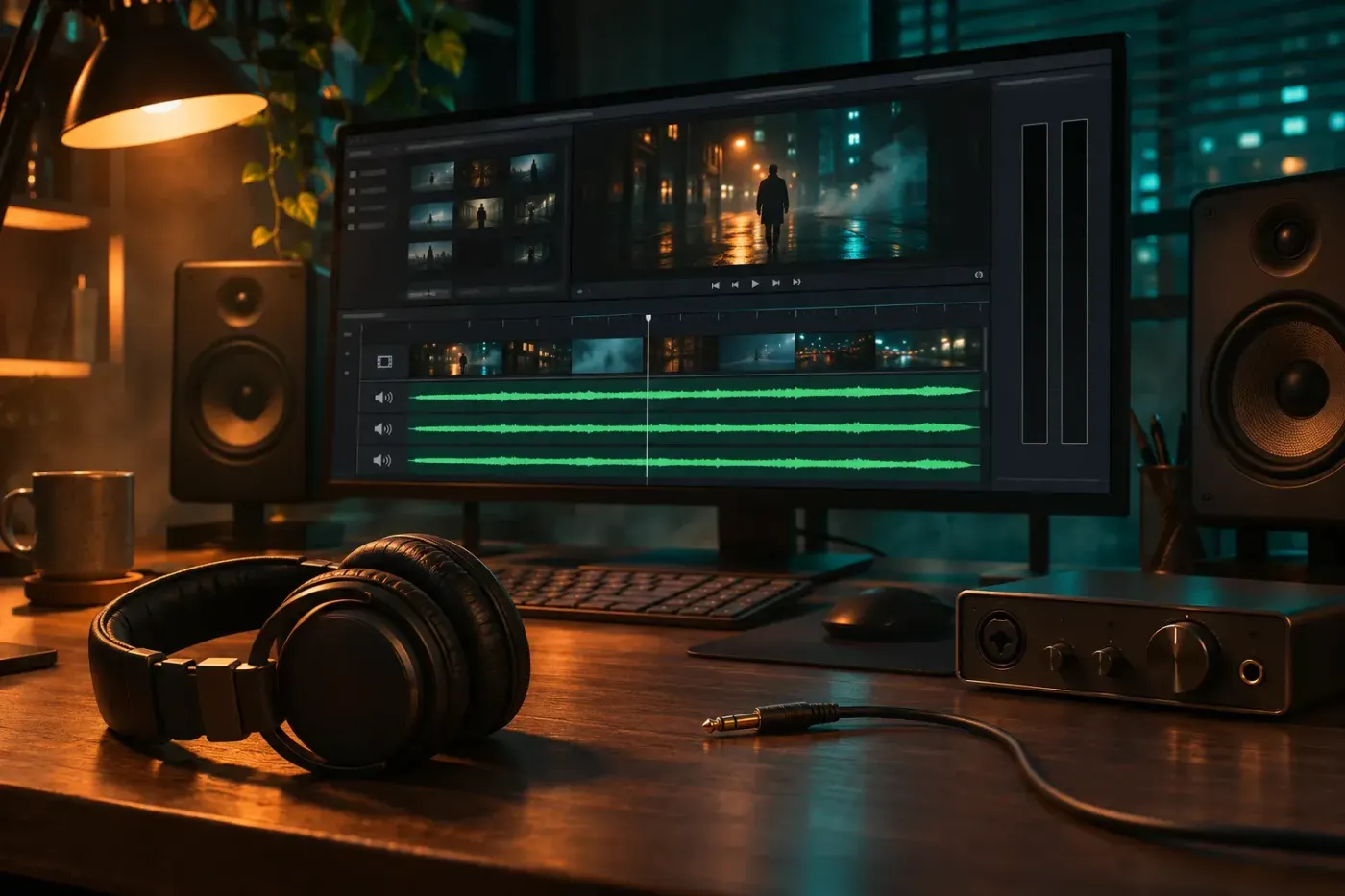
Find whether the silence belongs to a clip, sequence, project or output device, then fix the smallest cause first and leave the cache rebuild until last.
Find whether the silence belongs to a clip, sequence, project or output device, then fix the smallest cause first and leave the cache rebuild until last.
Unlink a timeline clip or select only its audio, cut the sound independently, restore sync before linking, and export a sequence mix or extract source audio.
Import a licensed song onto its own track, fit it to the picture and lower it under speech with fades, clip keyframes or Ducking. Check the whole mix before delivery.
Choose the microphone in Audio Hardware, then confirm the recording track hears the right channel. Make a short take before committing the full narration.