How to edit a video in Premiere Pro: a first project from import to export
Keep footage organized and finish a short desktop edit from import to MP4. Set the picture timing first, then finish sound and color before adding a title.
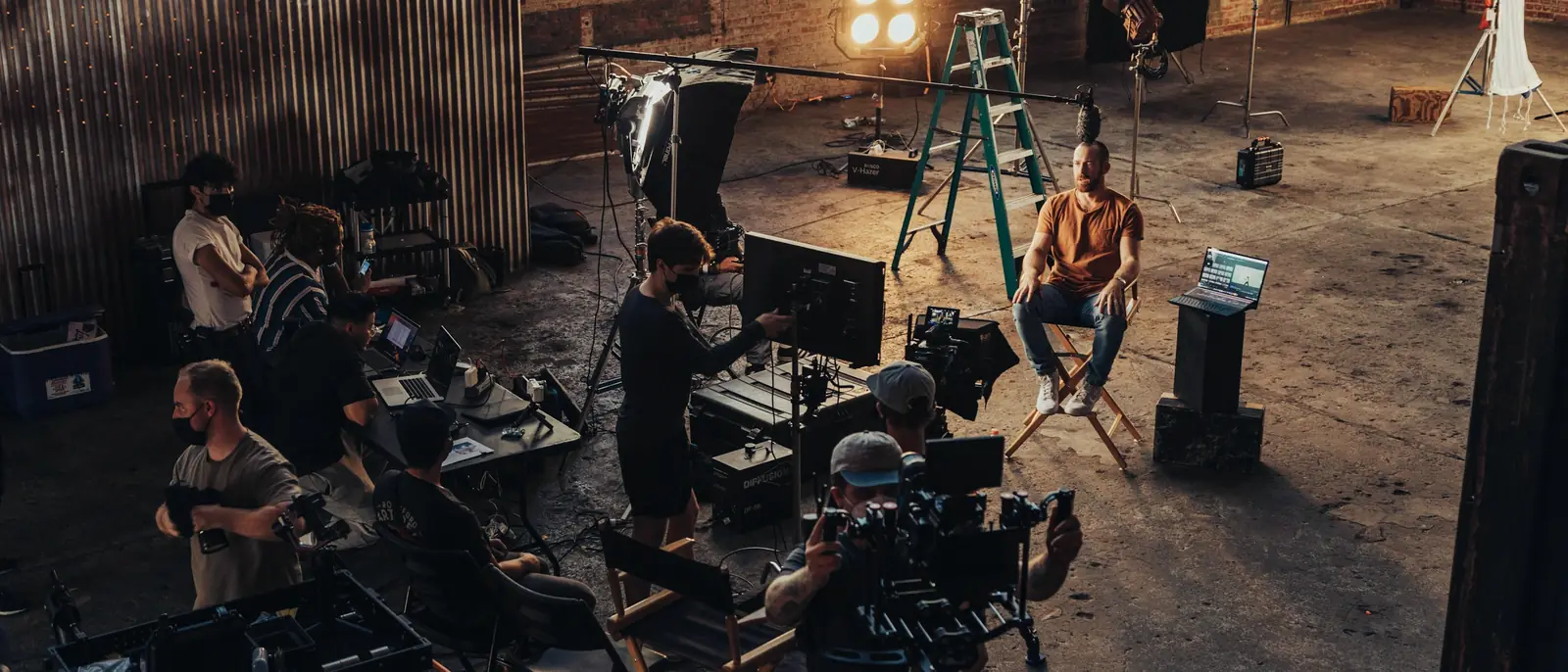
Keep footage organized and finish a short desktop edit from import to MP4. Set the picture timing first, then finish sound and color before adding a title.
Set a new Creative Cloud install location, keep the system-drive components in mind, and move Media Cache or project media without confusing their paths.
Final Cut Pro suits a solo Mac editor who wants to own the app; Premiere suits Windows, mixed teams and Premiere handoffs. Compare timelines, US prices and exit terms, published export tests on Apple silicon, and how to move a cut between the two.
Premiere cuts footage into a finished video; After Effects builds animation and composites. See which tasks belong where, how Dynamic Link and .mogrt templates connect them, what to hand off, and what one app or both cost on US plans.
Pick Resolve's free edition for solo editing on a budget, or Premiere when the next editor expects a Premiere project. Compare costs, free-edition limits, requirements, 18 published export tests and the XML handoff.
Compare Adobe Premiere Pro minimum and recommended requirements for Windows and Mac, then separate GPU, memory, SSD, network and release checks before you buy or update.
Adobe Premiere's desktop app gets one seven-day trial that bills on Day 8. Here's what to set up before checkout, how to cancel in time, what each plan costs afterward, and the free phone and desktop alternatives.
What Adobe Premiere (formerly Premiere Pro) does, who it suits, why Adobe dropped "Pro", how the free phone apps and Premiere Elements differ, and what the desktop app and its seven-day trial cost.