Premiere Pro 2025 updates: what versions 25.2 to 25.6 added
Match a 2025 tutorial to its build: April AI tools, August waveform edits, September Film Impact effects and November sound search, with the compatibility checks that affect an update.
Continue browsing guides beyond the featured selection.
Match a 2025 tutorial to its build: April AI tools, August waveform edits, September Film Impact effects and November sound search, with the compatibility checks that affect an update.
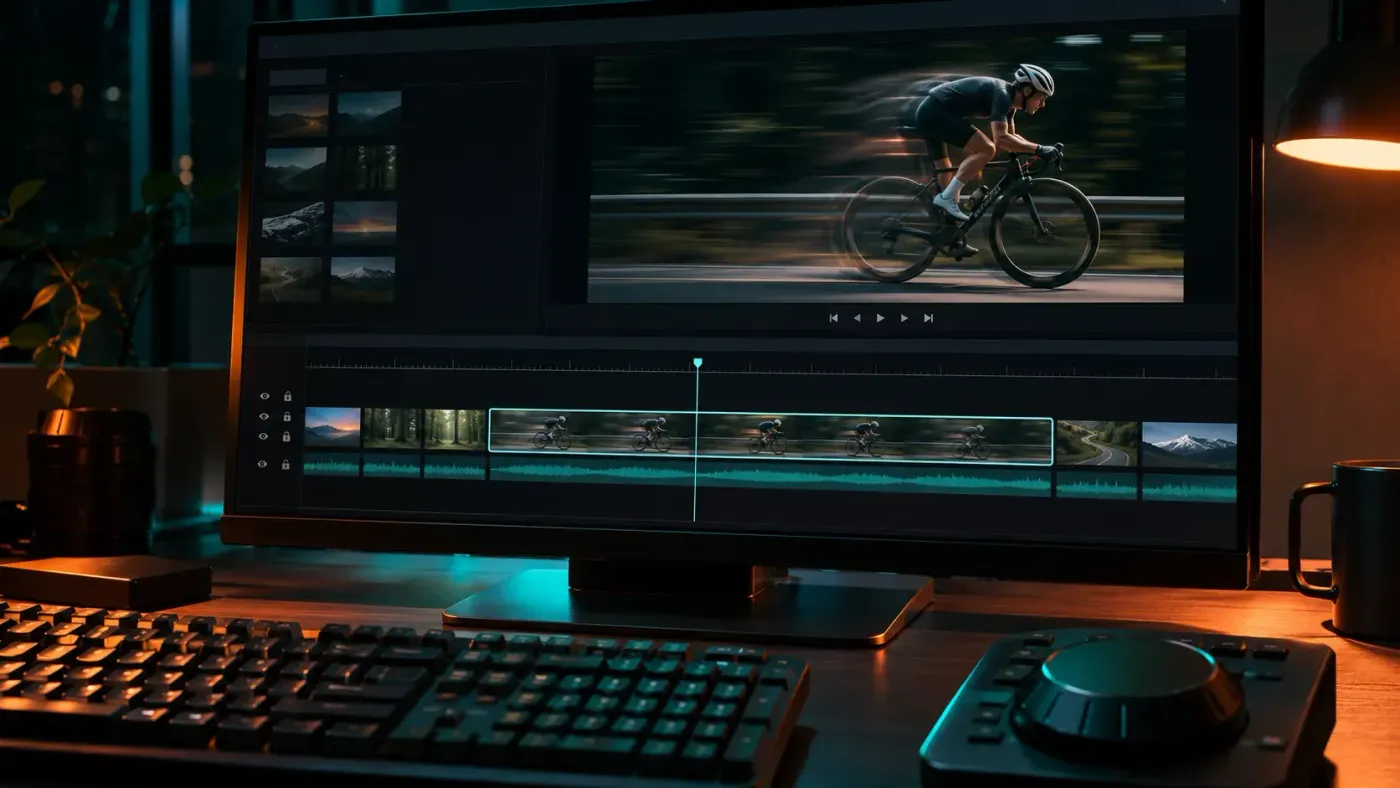
Set a speed with Clip > Speed/Duration or drag a clip to length with Rate Stretch, read the new length, then choose whether the next clips move, whether the voice keeps its pitch and how Premiere fills slow-motion frames.
Close a cut with Ripple Edit, move its timing with Rolling Edit, or change the chosen frames with Slip. Check which video and audio tracks follow each move.
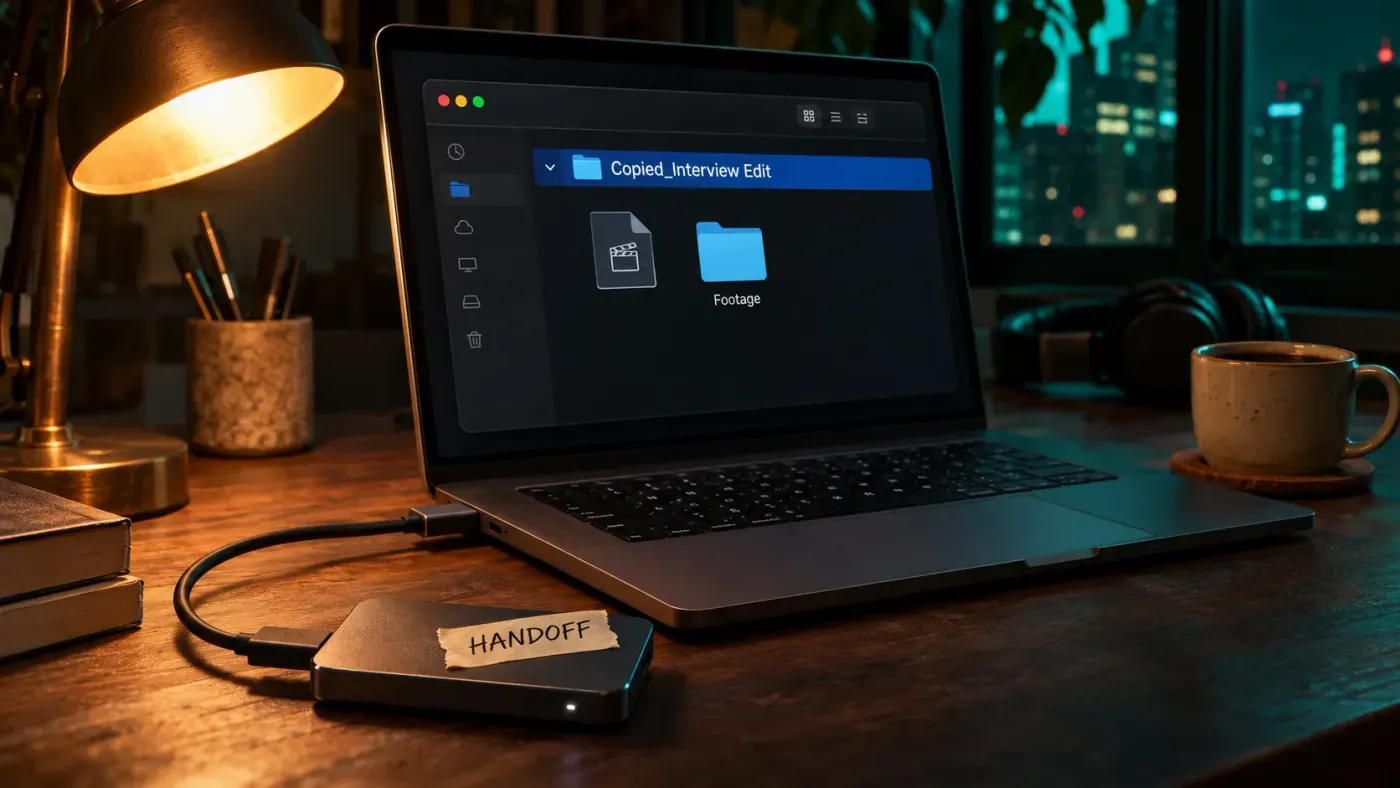
Collect the sequences and their media with Project Manager, send the folder intact, agree on trimmed media and handles, then check fonts, effects and Object Masks before the other editor plays the copy.
Set a new Creative Cloud install location, keep the system-drive components in mind, and move Media Cache or project media without confusing their paths.
Separate a smooth-playback preview from the final export, check the format, range, video and audio fields, then open the saved MP4 before delivery.
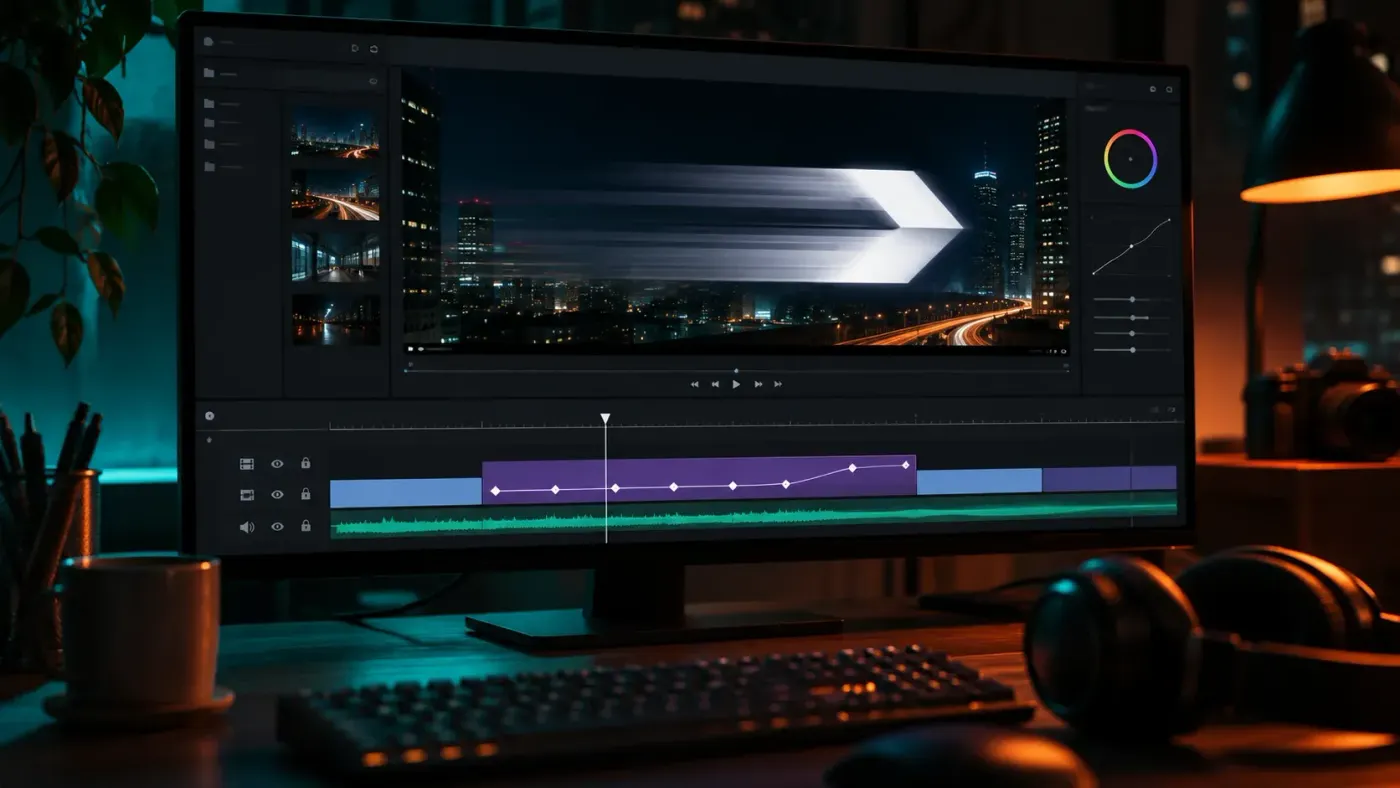
Animate a title or logo inside Transform and give it its own Shutter Angle, put Transform on an adjustment layer to blur several layers at once, and blur motion recorded in footage with a tracked Directional Blur mask.
Choose Crop for unwanted edges, Scale and Position for framing, and a new sequence shape for portrait or square video. Keep the subject in view through the whole shot.